Downpour at The Photographers' Gallery (and how to make a receipt printer thing for an exhibition)
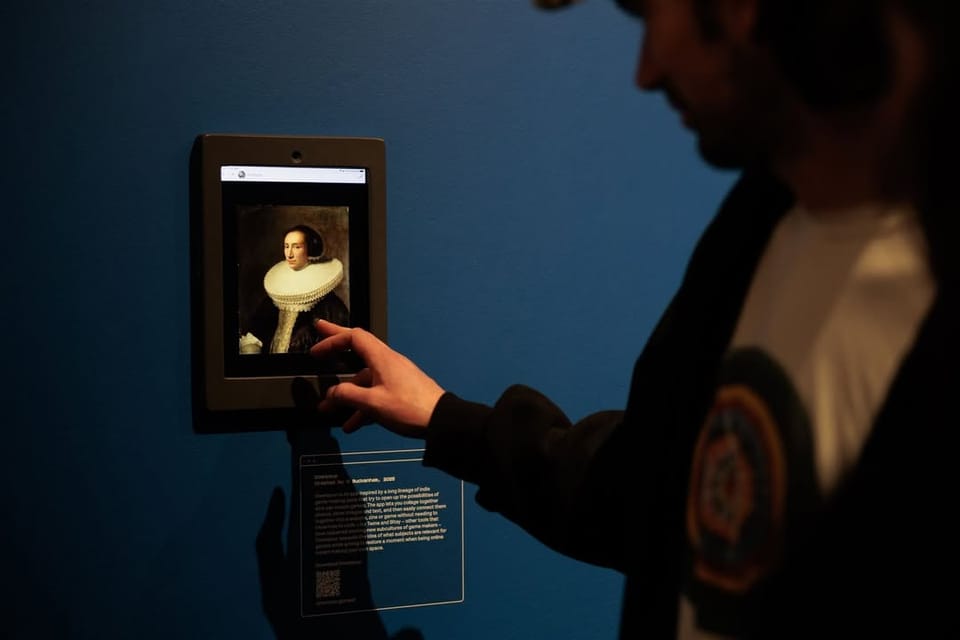
On Thursday evening, last week, I went to the launch of the new season of exhibitions at the Photographers' Gallery. I was invited because I am in one of them!
Downpour is showing as part of Connection Established: Digital Folklore and Web Craft, an exhibition focused on the rise of craft and personal spaces online. You know, the kinds of people who are making their own personal homepages, who are making zines, who are bringing back blogs. Who are... on Downpour?
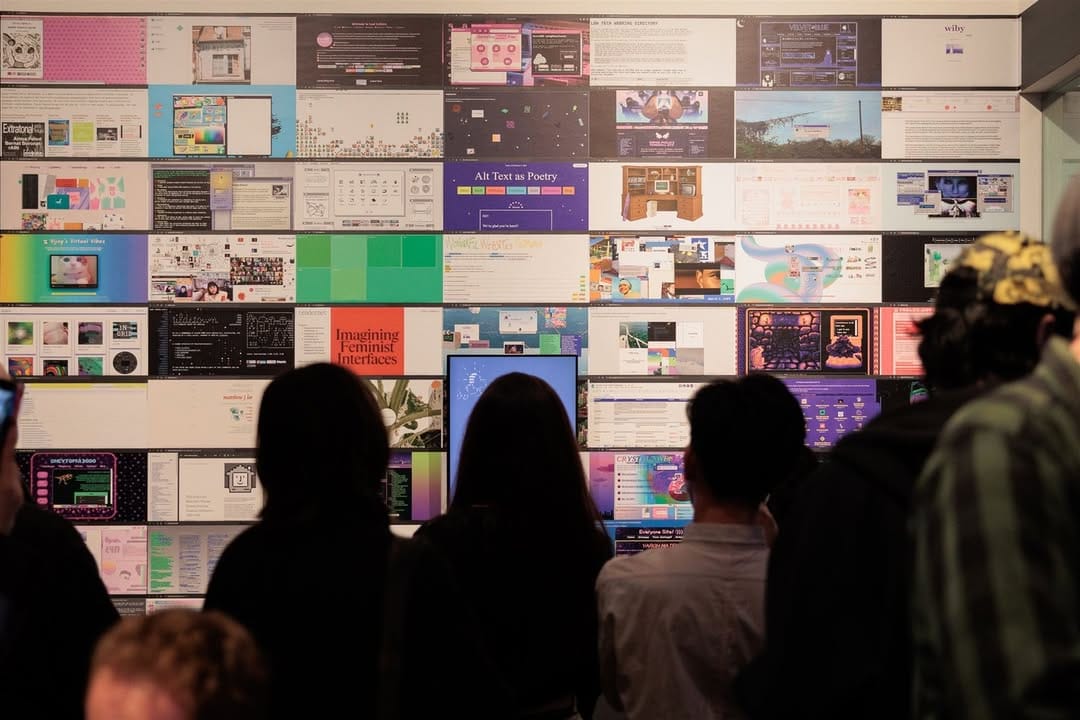
The exhibition is cool! Curated by Sam Mercer, who is a friend and always a joy to run into at an arts event – and who works at The Photographers' Gallery – and also Kendal Beynon, who I had not met before this, but who is a delight – and is also doing a PhD on the subject, which this exhibition is an extension of. There's a little pirate box, there's a copy of the Internet Phonebook, there's Merrit Kopas's LAN Party book.
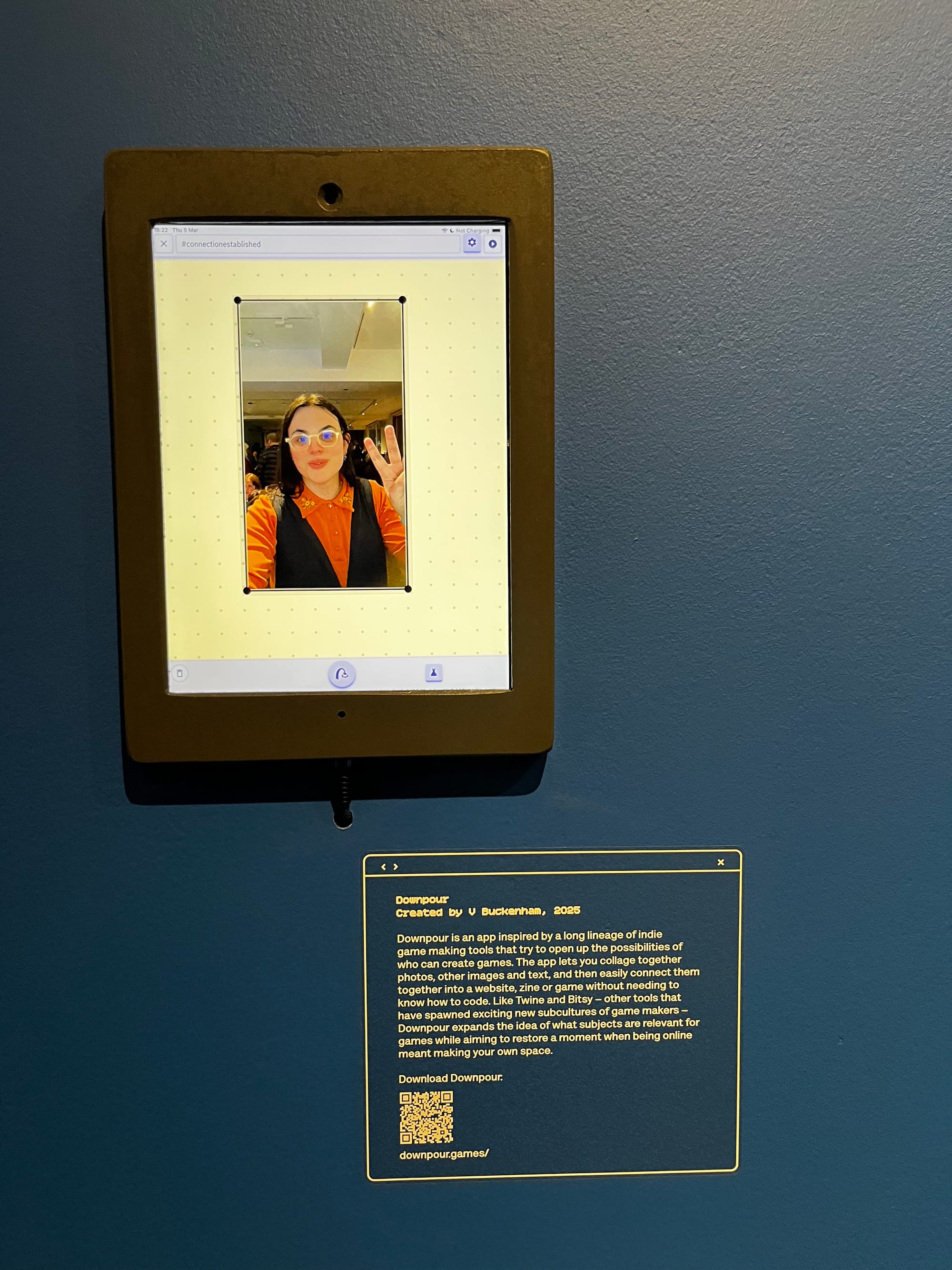
And Downpour is showing in a new configuration - I've made a new "exhibition" mode - it locks away the stuff about signing in/out, it has some little explanatory text and some other nice bits like that... and it also automatically tags any games that are made with it with a specified hashtag, and has a new tab which shows all the games made with that hashtag. I feel pleased with it! And hopefully will get to reuse it at a future show - I feel hopeful!
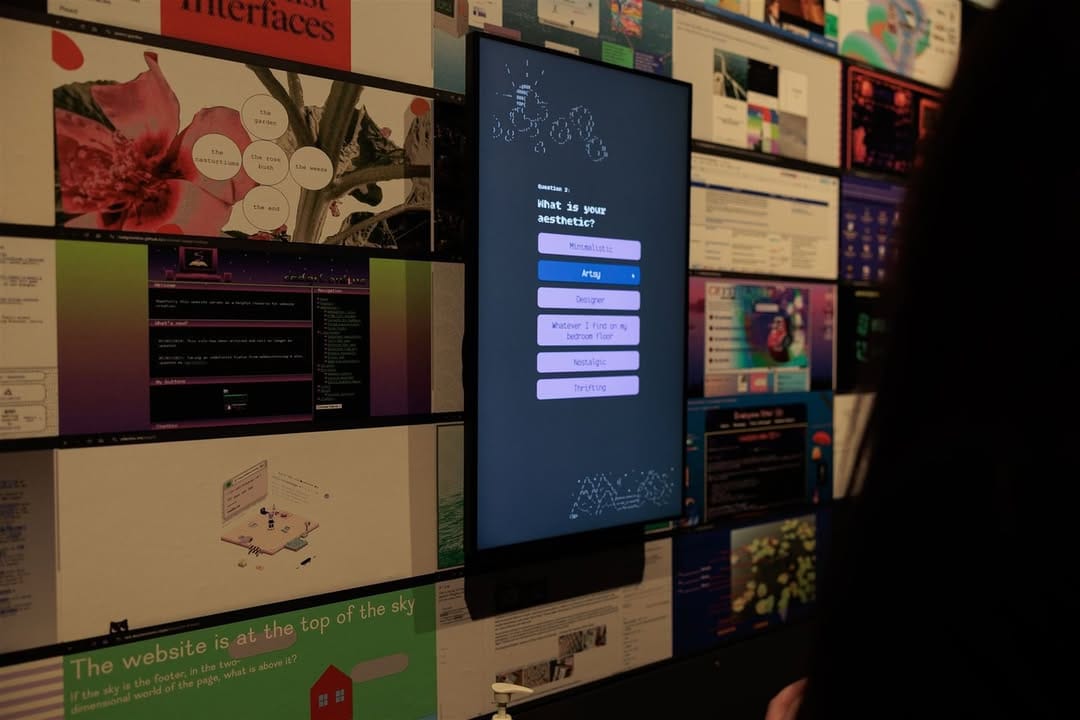
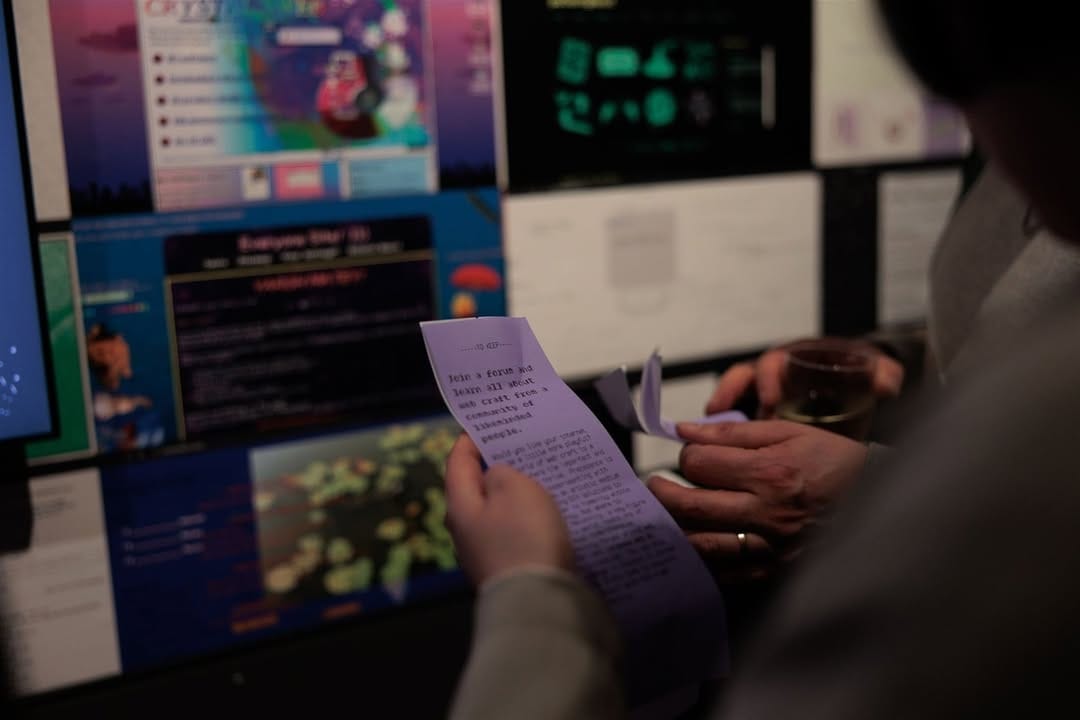
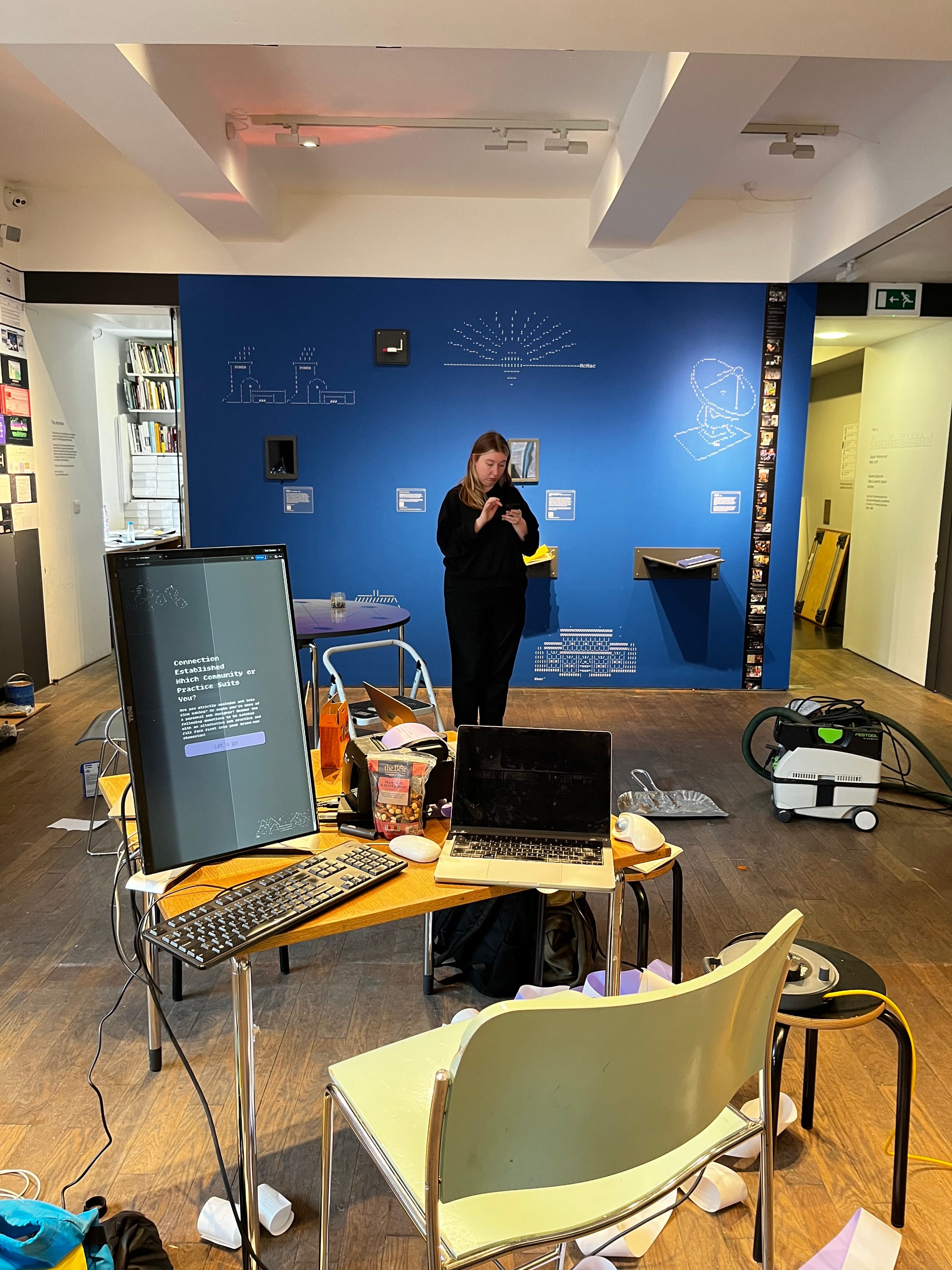
And also in the exhibition is a little setup where you can answer some cheeky questions in the style of a 90s girlie magazine and then it will print out on lilac thermal paper what type of internet subculture you belong to. Then you can write on it, and pin it up to the big wall. And... I built it! Working with Kendal and the tech team at TPG, but I wrote the code for it, and set it up.
Here's some shots of it working:
And here's a pic I took from the install day:
Here's a fold out section on the technical details of that kiosk, for people making something similar. Please skip if you don't care!
It runs in two parts - there's a backend Node server, which sits on the same machine, and which receives the answers as people fill them in and then puts them into a SQLite database, and serves the frontend. And then there's a frontend - made without any frameworks, just plain old JS which shows each question in turn, collates the answers and figures out the result, and which then prints the answers (via CSS print styles). It's set up to run within a kiosk mode version of Chrome, with --kiosk-printing turned on (which automatically clicks okay on the print dialog for you). The receipt printer is a Star TSP100, which connects like a normal printer. This whole setup means that it's able to run without any internet connection needed!
Tricky bits of the setup:
- debugging print CSS styles. Just annoying to do, the best way is to just keep repeatedly printing stuff every time you make a minor change.
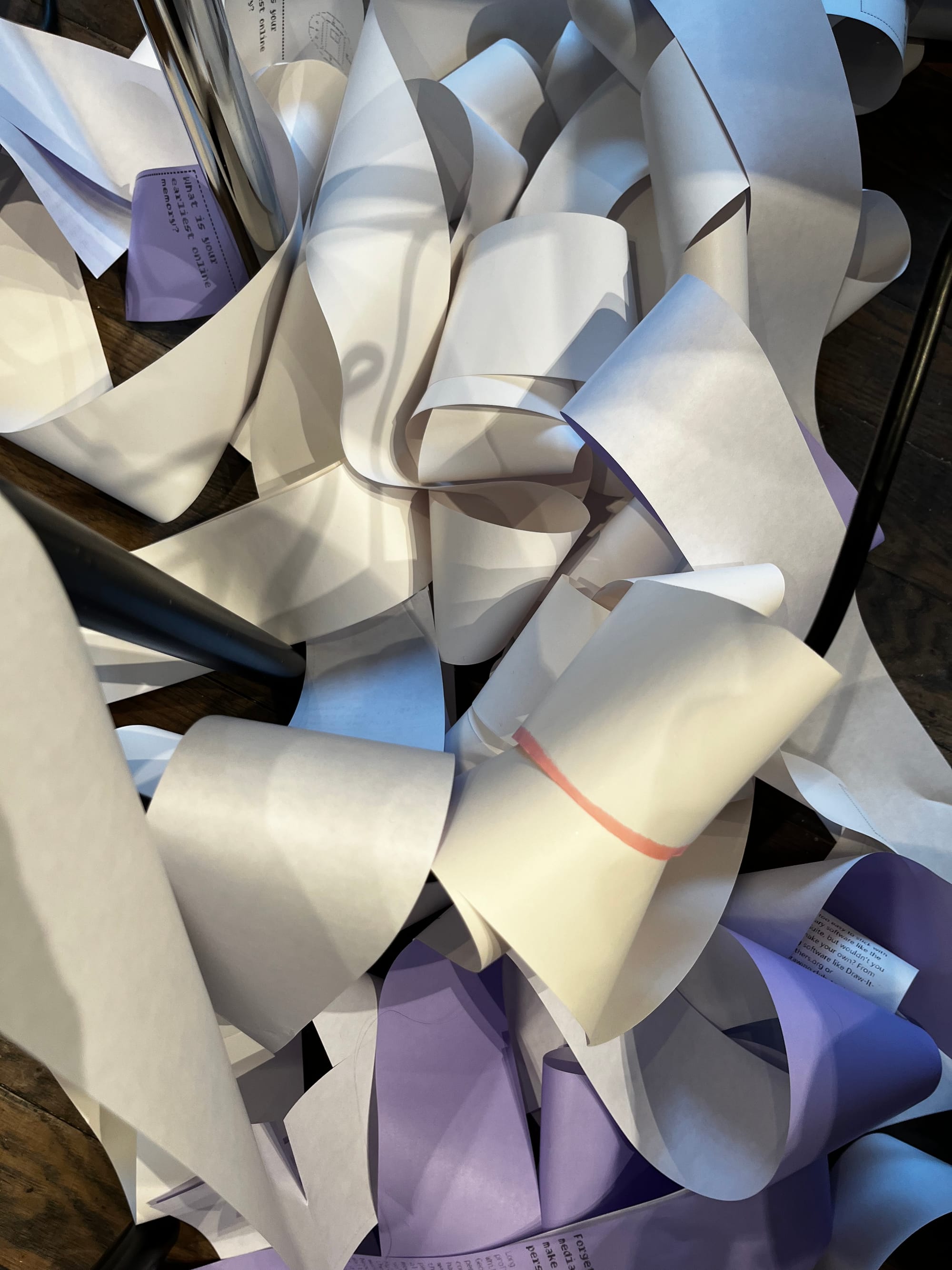
- and also setting up the default print settings. The thing about receipt printers is that they don't have a default page length, as they print onto a roll and have a little cutter that activates. So you gotta default to a really short page length and let them figure out the pagination. We ended up with endless streams of paper on the floor while we were figuring this stuff out.
- and just... kiosk mode stuff in general. Windows now has this nice kiosk mode thing built in, you can set up an account as a kiosk mode account and give it a URL and it'll open that for you. But... if you wanna set
--kiosk-printingon that, there's a hidden registry value you need to find – something likeComputer\HKEY_LOCAL_MACHINE\SOFTWARE\Microsoft\Windows\AssignedAccessConfiguration\Profiles\(81A45CD0-BDAF-41C5-9DBE-A0A3D705C090}\AllowedApps\App0 - but then it still didn't work properly - I couldn't manage to set the printing setup in a way it would recognise... so we just switched to a regular kiosk mode setup
- oh yeah, and I had to set up the Node server as a Windows service. Using a .bat file to set the working directory, which was run with Simple Service Manager, which was then registered in Powershell with sc.exe. And after installing all the Node stuff, Git, etc...
- And then the actual final boss of running it offline was getting the fonts installed locally in a way that would get recognised. Ended up having to set one up as locally hosted webfonts... what a pain.
But I think the final set up is... good? I have good confidence in it being something that should run reliably without any invigilation or maintenance beyond refilling the receipt printer.
One extra nice bit - it logging all the answers to SQLite means we should be able to get some nice analytics about answers, and also about when people were interacting. I'm excited to do a little bit of poking once the exhibition ends.
And actually, I should say that if you want to run something similar - well, first, I'm available for hire to build this for you, and secondly, happy to answer questions or share some code with you (if you're the one already trying to build this thing)

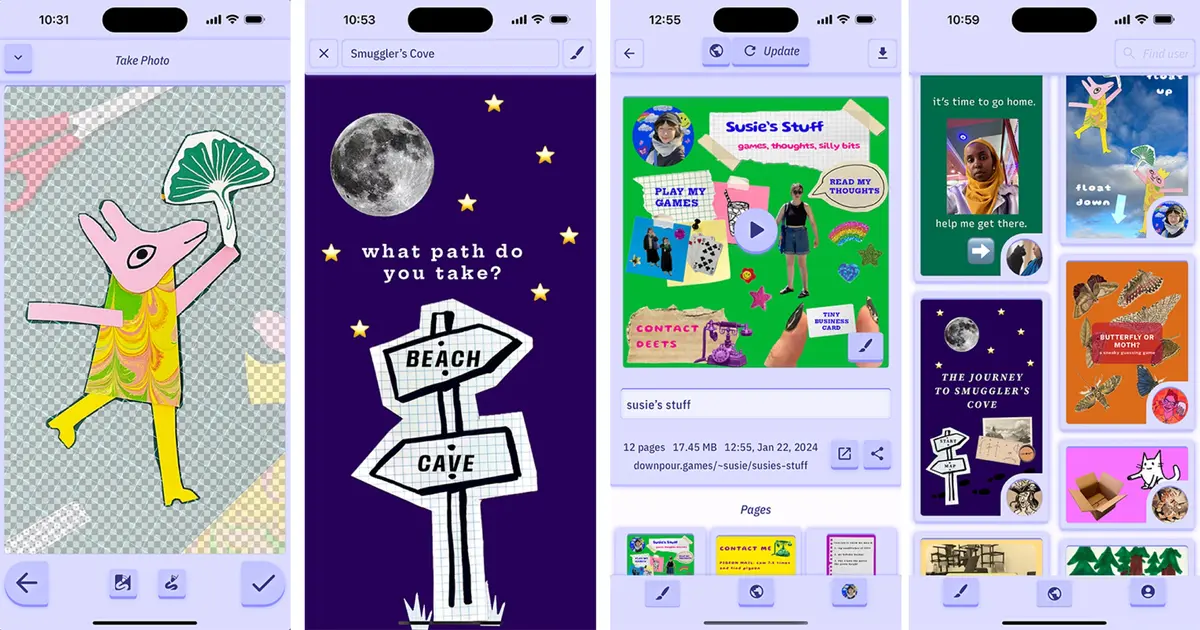
And the final thing to say is: I'm running a workshop as part of the exhibition! So come along on the 31st of March and come make some Downpour games! And actually, not just any games, but fortune telling games. Which I think are interesting, and connect really nicely with the themes of the exhibition and with, well, photos. I have been enjoying working on the craft of giving workshops, and I think this will be a nice time.
Member discussion